A discreet home office requires more than an impressive internet speed. At Aston Martin Residences, buyers should verify unit-level service, independent backup connections, and the complete power path before relying on uninterrupted connectivity.
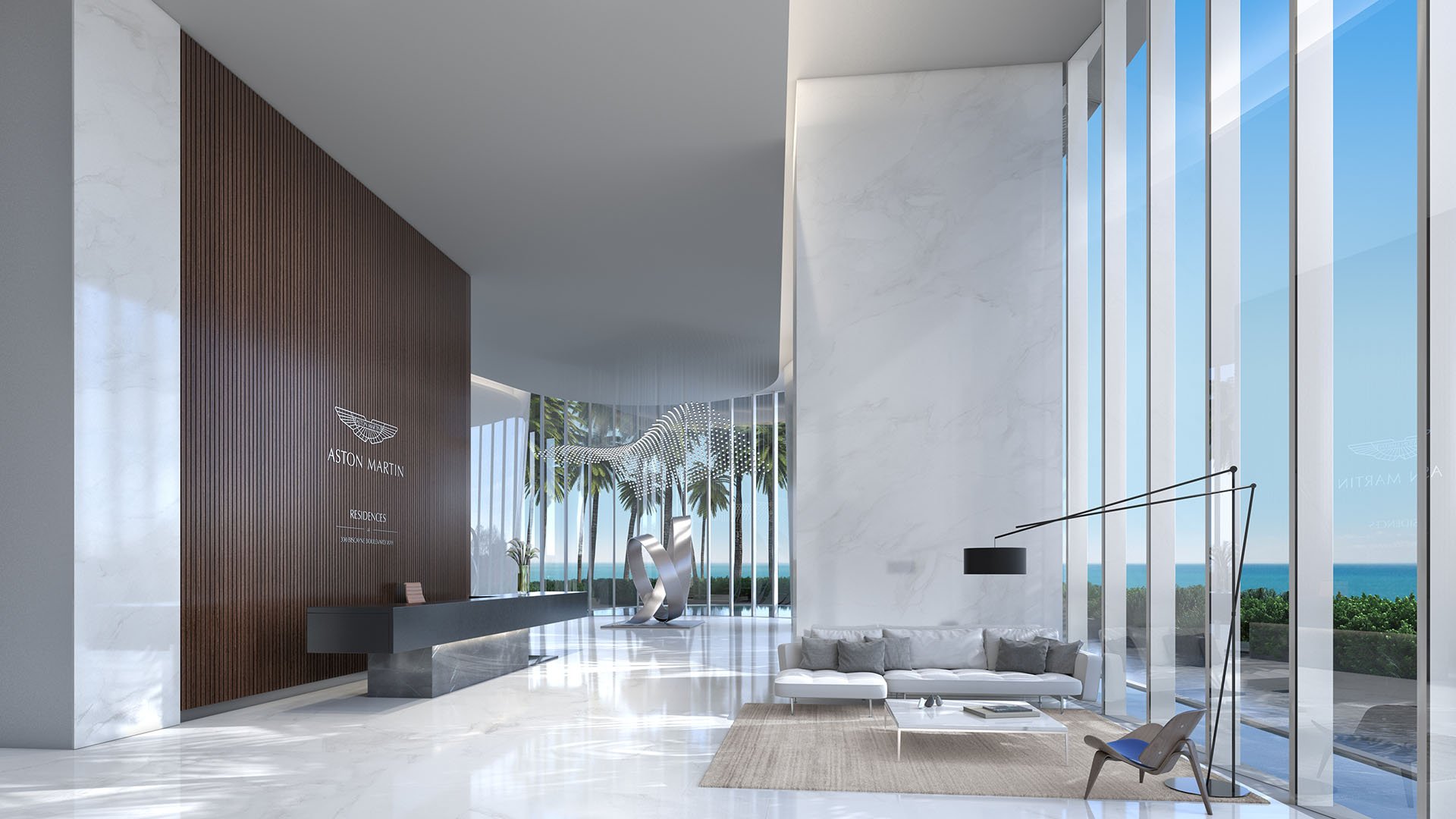
At Aston Martin Residences Downtown Miami, a serious home office deserves the same attention as lighting, acoustics, and cabinetry. The 66-story, 391-residence condominium at 300 Biscayne Boulevard Way offers homes ranging from one to five bedrooms, along with duplexes and penthouses. For an owner working across time zones, however, the decisive specification may be less visible: whether the residence can sustain essential communications when its primary connection or electrical supply fails.
Begin with a written work profile. Identify simultaneous video calls, large-file transfers, remote desktop sessions, VPN access, and household devices sharing the network. Give the installer a clear distinction between essential office equipment and discretionary entertainment systems. This creates a practical brief without assuming every residence needs the same service tier.
Digital access to concierge services and building amenities is advertised from every residence, alongside common-area high-speed internet and Wi-Fi hotspots. Smart-home descriptions include smartphone or tablet controls for lighting, climate, and security. These conveniences do not establish a contractual bandwidth commitment for a private office.
Do not assume guaranteed in-unit speeds, a particular internet carrier, a service-level agreement, or a dedicated-fiber offering without written confirmation. Establish whether the final connection is fiber-to-the-unit, fiber-to-the-floor with Ethernet, or coaxial service. These are questions to resolve-not evidence that a particular option is unavailable.
Request the approved-provider list and written download and upload tiers for the specific residence. Ask about business-service eligibility, static-IP options, the unit's service handoff location, existing cabling, and installation permissions. Where service commitments matter, clarify what the agreement promises and how support is escalated. An amenity description is no substitute for these answers.
Two subscriptions do not, by themselves, constitute a redundant system. Ask whether the proposed services share an entrance, riser, telecom room, or upstream infrastructure. Different provider names are not proof of physical separation. Treat diverse telecom entrances, a dual-provider design, and automatic internet failover as unconfirmed until documented for this building.
A private-office configuration could pair primary fiber or business-class broadband, where available, with an independently assessed backup connection. A dual-WAN router can be specified to switch between services, but its configuration should be tested against the owner's actual applications. Treat this as an owner-installed design proposal, not a verified building amenity.
For a Downtown Miami buyer also considering Waldorf Astoria Residences Downtown Miami, apply the same questions to each property independently. The useful comparison is documented service architecture, not the assumption that a residential brand establishes network resilience.
Reserve the phrase “generator-backed connectivity” for an arrangement confirmed by management and the carrier. Obtain written confirmation of generator capacity, fuel type, transfer time, supported residential circuits, and telecom-room backup duration. Do not assume building emergency power extends to an office outlet.
Request a generator-backed-load schedule or engineering summary that distinguishes residential circuits from shared telecom equipment, access systems, and other essential building services. Ask what remains powered, for how long, and what happens during transfer from utility power. Separately, ask the carrier to explain the backup arrangements relevant to its service.
Trace the complete connection: the carrier's network, building telecom equipment, the unit's service terminal or modem, router, switches, access points, and required workstation equipment. A powered laptop is not enough if an essential device elsewhere in that chain loses power.
Have the installer specify uninterruptible power supply coverage for every required in-residence network device. Request a runtime estimate based on the proposed load and an explanation of how it relates to any confirmed generator transfer interval. A UPS is a continuity component, not proof of unlimited service.
Specify wired Ethernet for the principal workstation where feasible and permitted, then assess Wi-Fi coverage throughout the rooms used for work. Coordinate cabling routes, equipment placement, access permissions, and maintenance access before closing cabinetry. The aim is a discreet installation that remains serviceable-not technology hidden beyond practical reach.
A business center and conference room are listed among the building's amenities. Before treating either as an alternative office, confirm booking rules, operating hours, privacy, and network access. Establish whether the shared space would depend on the same systems as the residence during an interruption.
For buyers extending their search into Brickell through Cipriani Residences Brickell, the same distinction matters: evaluate shared workspace separately from private-office continuity. Neither should be credited with capabilities that have not been confirmed.
Storm preparation belongs in the connectivity plan, but portable generation is not a balcony workaround. Do not operate a fuel-powered generator indoors, on a balcony, or near open windows. Confirm the condominium's rules separately.
Never plug a generator into a wall outlet. Any connection to building wiring requires qualified electrical installation and applicable approvals. In a condominium, pursue continuity through verified building arrangements and professionally specified equipment, not an improvised fuel-powered solution.
Include surge protection and waterproof coverings in the storm-preparation checklist. Plan to disconnect appliances and electronics safely during outages to reduce surge-related damage. Have a qualified installer reconcile that procedure with the proposed UPS setup so household staff know exactly what to do.
Before accepting the installation, test wired upload and download performance, Wi-Fi coverage, video calls, VPN access, and remote desktop under realistic working conditions. Then conduct a controlled failover test with the installer. Record whether essential applications continue, need to reconnect, or require manual intervention.
Keep a concise handover file with provider contacts, service terms, equipment details, confirmed backed-up circuits, and test results. Assign responsibility for periodic checks, especially when the residence is occupied intermittently. The goal is not a promise that interruptions cannot occur, but a documented understanding of what the office can sustain and what requires another plan.
For a considered approach to selecting and preparing a South Florida residence, connect with MILLION.
If branded residences are on your mind — as a home or as an allocation — we would be glad to share what we are seeing, privately.
Begin a quiet conversationDo not assume a bandwidth guarantee without written confirmation. Obtain upload and download tiers and any service commitments for the specific residence.
Treat the connection type as unconfirmed until management and the provider document it. Ask whether service is fiber-to-the-unit, fiber-to-the-floor with Ethernet, or coaxial.
No. Advertised common-area internet and Wi-Fi hotspots do not establish a bandwidth guarantee for a residence.
Request available service tiers, business-service eligibility, static-IP options, support commitments, and installation requirements. Confirm the unit's service handoff location and cabling with management.
Not necessarily. Ask whether they share entrances, risers, telecom rooms, or upstream infrastructure before treating them as independent connections.
Treat automatic failover as unconfirmed until documented. A dual-WAN configuration is a proposed private installation that requires approval where applicable and acceptance testing.
No. Request a backed-up-load schedule or engineering summary identifying supported residential circuits and shared telecom equipment.
Have an installer assess every required in-residence network device, including the service terminal or modem, router, switches, and access points. Runtime should be evaluated against the actual load.
A business center and conference room are identified amenities, but their suitability requires confirmation. Check access, privacy, network service, and relevant backup-power arrangements.
No; do not operate a fuel-powered generator on a balcony or indoors. Verify condominium rules separately and use professionally planned backup arrangements.